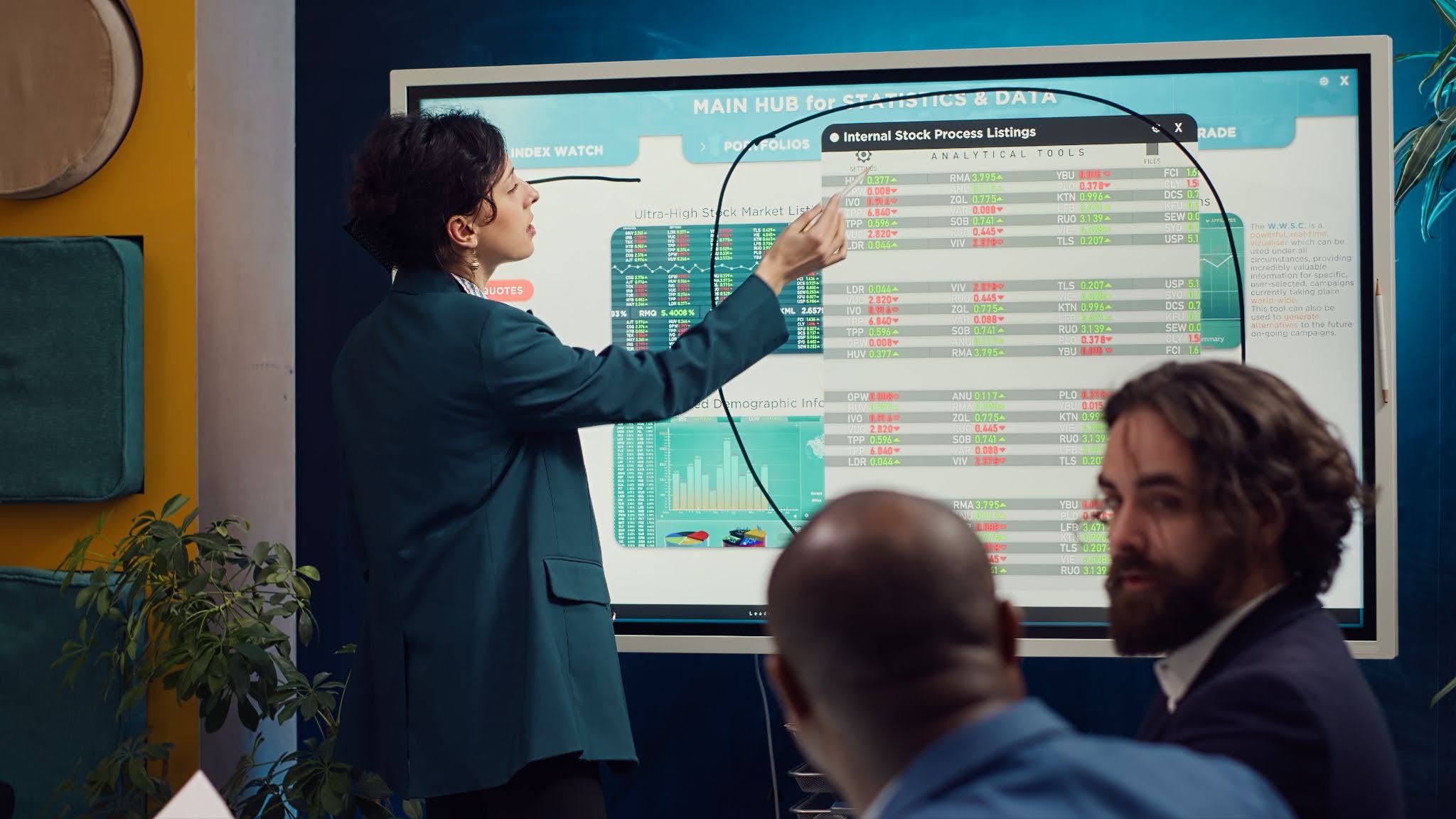
Interactive whiteboards for meetings replace the mess of static slides, half-erased marker boards, and scattered sticky notes with a single live surface where ideas, tasks, and decisions all come together in real time.
If your project planning sessions regularly end with action items scrawled on a napkin or a photo of someone’s whiteboard that no one can quite read, you already know the problem.
Interactive whiteboards solve it by making the planning process collaborative, visual, and instantly shareable, all without needing a photographer and a prayer.
What Are Interactive Whiteboards for Meetings?
Interactive whiteboards are large touchscreen display systems that let participants draw, annotate, move content, and collaborate directly on screen.
They are different from a standard presentation display because the surface is fully interactive, as any participant can contribute, whether they are in the room or joining remotely.
The hardware side typically includes a large-format LED panel or an ultra-short-throw projector paired with a flat porcelain whiteboard surface.
Content from laptops, tablets, and mobile devices can be shared wirelessly onto the screen, and everything created on the board can be saved digitally and sent to participants instantly after the session.
At 3 Monkeys AV, the interactive whiteboard range includes both traditional IWB projector solutions and LED panel options, each suited to different room sizes, usage patterns, and budgets.
Why Does Project Planning Require Better Collaboration Tools?
Project planning is one of the most communication-intensive activities a team does.
You are aligning stakeholders, mapping timelines, distributing responsibilities, and making decisions that will shape weeks or months of work.
When the tools you are using are passive, the process falls short. The core problems with static planning tools are easy to spot in practice:
- Single User Control: Only one person can control the content at a time, slowing down brainstorming sessions and leaving quieter team members as observers instead of active contributors.
- Delayed Collaboration: Changes made during the meeting often need to be updated manually, shared afterwards, and confirmed, creating delays and increasing the risk of version confusion.
- Limited Visual Planning: Standard screens are not designed for dynamic collaboration, making it difficult to map workflows, draw dependencies, or update Gantt charts in real time.
- Poor Remote Participation: Remote attendees often have limited interaction during meetings, as they cannot easily annotate, move content, or contribute to shared boards without being given control.
How Do Interactive Whiteboards for Meetings Streamline Project Planning?
Interactive whiteboards change what is actually possible during a planning session. Here is how that plays out in practical terms:
- Brainstorming becomes genuinely open: Multiple participants can add ideas to the board simultaneously using touch or a stylus, making a brainstorm feel more like a conversation and less like a presentation.
- Mind maps and workflows build in real time: Rather than sketching something rough and promising to clean it up later, your team can map dependencies, draw process flows, and rearrange elements on the fly with everyone watching and contributing.
- Decisions get documented automatically: Because the board is digital, everything created during the session saves as a file at the end. No more “can someone write up what we decided?” emails the following morning.
- Timeline and task mapping happens directly on screen: Drag timelines, assign owners, and mark milestones in real time while the whole room sees the changes as they happen.
- Remote participants can contribute on equal terms: When the communal whiteboard connects to your video conferencing platform, remote team members can annotate and add content from their own device.
- Content from other applications can be pulled straight onto the board: Project documents, Gantt charts, and spreadsheets can be displayed and annotated directly without switching between screens or applications.
What Are The Key Features to Look for in a Digital Whiteboard for Meetings?
Not all interactive display systems are built the same. When you are evaluating a digital whiteboard specifically for project planning, these are the features that matter most:
- Multi-touch input that supports multiple users at once: A 20-point touch panel lets several people write or manipulate content simultaneously without the system getting confused about which input belongs to whom.
- Wireless connectivity for any device: Being able to throw a laptop, tablet, or phone screen onto the board without a cable is essential for fast-moving planning sessions where content keeps changing.
- Built-in whiteboarding and annotation tools: The software should let you draw, write, insert shapes, add sticky notes, and annotate over imported documents without needing a separate application.
- Session saving and file export in multiple formats: Everything built during a planning session should be exportable as a PDF, image, or editable file so participants leave with the actual output.
- A large enough screen for the room: A 65-inch panel works in a small meeting room; a larger boardroom needs 86 inches or more. Getting the size right means everyone in the room can clearly see what is happening on screen.
- Compatibility with your existing platforms: The display should work with Windows, macOS, Android, and iOS devices without a custom driver or complex setup.
What Are The Benefits of Using a Collaborative Whiteboard for Team Meetings?
A communal whiteboard does more than make meetings look modern. It changes how your team thinks together. The most consistent benefits organisations see include:
- Faster decisions during the meeting: When the whole room sees the same live information and can interact with it directly, groups reach agreement faster than when one person controls a static presentation.
- Better engagement from all participants: The ability to physically touch and contribute to the content on screen encourages participation from team members who might stay quiet in a standard slide-driven meeting.
- A cleaner handoff to execution: Because planning outputs are already digital and formatted, handing a project brief or task list to an execution team takes minutes rather than requiring a post-meeting write-up.
- Fewer follow-up meetings to clarify what was decided: Ambiguity drops when every decision is captured and visible to the whole room as it is made.
- Greater buy-in from participants: When people actively contribute to a plan rather than observing its construction, they are more likely to feel ownership over the outcome.
What Are The Best Practices for Running Effective Project Planning Sessions with Interactive Whiteboards?
Getting the most out of a collaborative whiteboard during project planning comes down to how you run the session, not just the hardware on the wall.
- Set up your templates before the meeting starts: Most interactive display systems let you create reusable templates for common planning formats such as sprint planning boards, project timelines, and risk matrices, so you are not building structure from scratch while participants wait.
- Assign a facilitator, not just a presenter: Someone should own the session flow and make sure contributions are captured clearly on screen. This is different from a traditional presenter role as the facilitator keeps the board organised rather than delivering slides.
- Share the board access with remote participants before the meeting: If video conferencing companies integration supports it, send remote participants a link so they can contribute directly from the start.
- Use colour coding to assign ownership: Different colours for different team members or workstreams make a complex project map far easier to read at a glance.
- End every session by saving and distributing the board output: Send the saved session file to all participants within an hour of the meeting finishing, while the context is still fresh.
How To Choose the Right Interactive Whiteboard for Your Meeting Space?
The right interactive whiteboard depends on your room size, how frequently you use it, and how your teams currently work.
A small six-person meeting room has very different requirements from a 20-person project planning suite. When evaluating options, consider these practical factors:
- Room dimensions determine screen size: The general rule is a viewing distance of roughly three times the screen height. For a room where participants sit three to four metres from the display, a 75-to-86-inch screen is typically the right fit.
- Wall-mount or mobile trolley? Fixed wall installation suits a permanent planning room. A height-adjustable mobile trolley makes sense if the display needs to move between spaces or accommodate different user heights.
- What devices will participants use? A digital whiteboard that works with every device in the room prevents the session from stalling because one person’s laptop will not connect.
3 Monkeys AV has been supplying and installing interactive display systems for boardrooms, training rooms, and meeting spaces across Perth and Western Australia since 2008.
The team handles everything from the initial site assessment through to installation and staff training, so your team is confident using the system from day one.
Closing Thoughts
Project planning sessions only deliver what the tools make possible. When your team is working off a static slide deck and a dry-erase board, the best ideas often stay half-formed because there is no easy way to capture and build on them in real time.
Interactive whiteboards change that dynamic directly. They make planning sessions more collaborative, outputs more reliable, and execution clearer.
If your current meeting room setup is slowing your planning process down, it is worth getting a proper assessment done before the next project kicks off.
About the Author
Hall Jackson is a trained Primary school teacher with experience in both the public and Private K-12 systems in Western Australia. He has also taught in the UK and Japan, with telecom and technology experience in Toronto Canada. For the Last 17 years Hall has been helping organisations and schools in Perth with Audio Visual and Information Technology Solutions, including sourcing, installing and training. Hall has presented at a number of Local, national and international conferences particularly in the effective use of technology for teaching and learning.