


The best platform depends on your environment, but Microsoft Teams, Zoom, and Google Meet remain the top three for commercial use. Most hardware systems are certified for these platforms to ensure seamless integration.
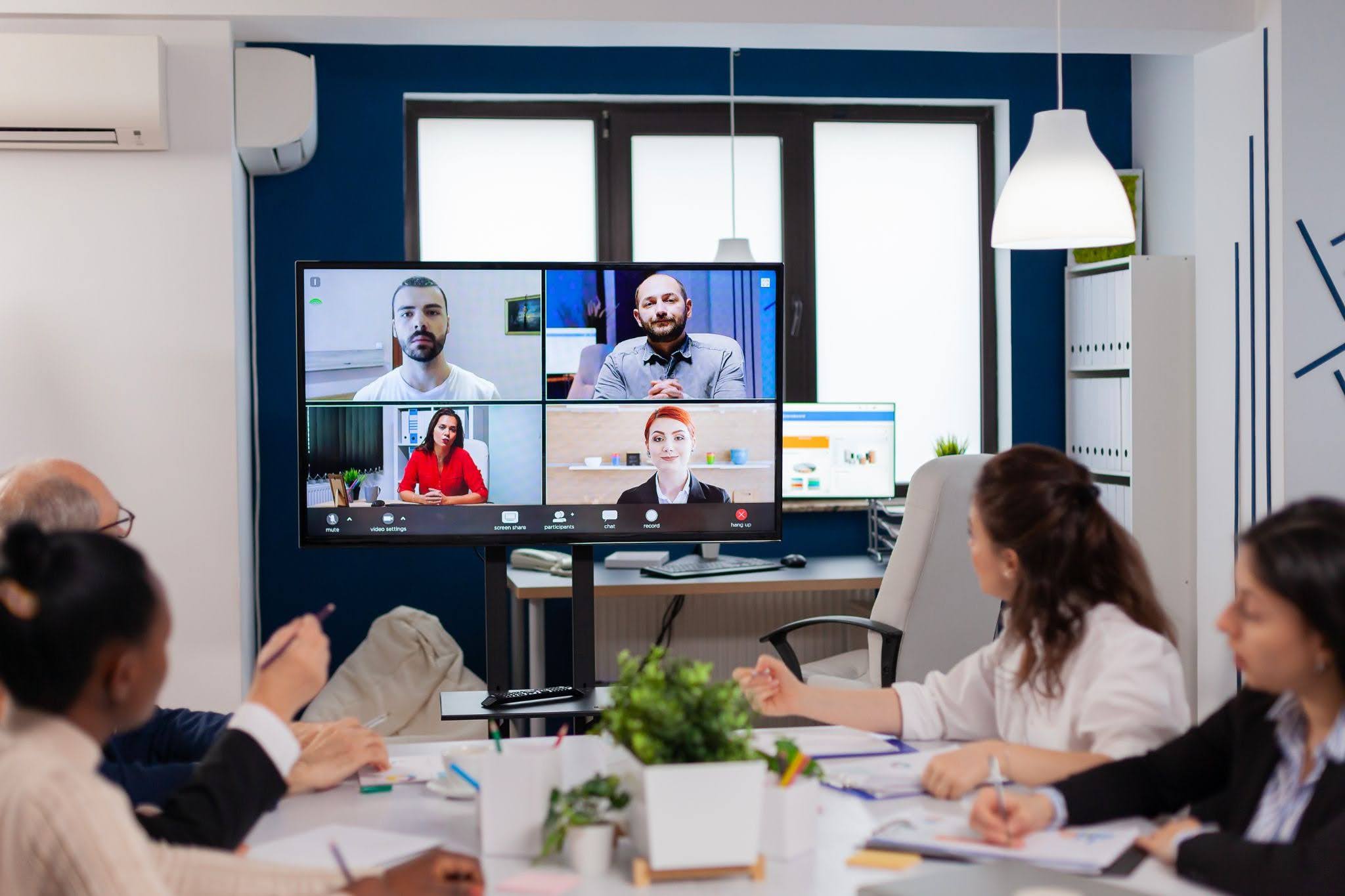
As hybrid work becomes the default rather than the exception, especially as fuel prices continue to climb, organisations are rethinking how their teams collaborate across distance. While laptops, webcams, and headsets helped us “get by” a few years ago, expectations in 2026 are much higher. Staff want seamless communication, clear audio, sharp video, and meeting spaces that “just work” without 10 minutes of tinkering before every call.
A commercial video conferencing system is no longer a luxury; it’s the backbone of efficient communication. With professional AV installation for offices, businesses can ensure reliable performance and seamless collaboration. Whether you’re upgrading a conference room setup, building new collaboration spaces, or addressing ongoing tech challenges, this guide walks you through everything you need to know.
Why Businesses Need Professional Video Conferencing in 2026
The modern workplace relies on communication that is fast, frictionless, and reliable. In 2026, the gap between consumer-level gear and commercial-grade systems has never been clearer.
Here’s why businesses are investing heavily in better meeting technology:
1. Hybrid Meetings Are Now Business-As-Usual
Teams expect remote and in-person participants to collaborate equally. Poor audio or unclear video simply isn’t acceptable anymore, especially when clients or executives are involved.
2. Productivity and Meeting Flow Matter
Interruptions caused by dodgy microphones, echo, or devices not connecting aren’t minor anymore. Over a week, these issues accumulate into hours of lost time.
3. Professional Quality Builds Trust
Clients joining your meeting judge your professionalism through what they hear and see. High-quality audio and video make the difference between a polished pitch and a sloppy one.
4. Better Technology & Less Staff Frustration
No one wants to be the person crawling under the meeting table trying to troubleshoot HDMI cables. Commercial systems provide stable, touch-button simplicity.
Professional systems reduce friction and elevate how your organisation communicates.
Key Components of a Commercial Video Conferencing System
A great commercial setup is more than a webcam and a speaker. Here are the essential components that work together to create a seamless meeting room video conferencing experience:
1. Cameras
- Auto-framing and tracking for natural movement
- 4K resolution for clarity
- Wide-angle lenses for small rooms, PTZ cameras for large spaces
2. Microphones
- Beamforming microphone arrays
- Table mics or ceiling mics, depending on room size
- Echo cancellation and noise suppression
Audio is always more important than video; if people can’t hear clearly, the meeting falls apart.
3. Speakers / Soundbars
- Purpose-built speakers that deliver clarity across the room
- All-in-one soundbars that combine mics, speakers, and a camera
4. Displays
- Large-format commercial displays
- Interactive touch screens for collaborative meetings
- Dual-screen setups for presenting + participant view
5. Control Interfaces
- Touch panels that automate joining calls
- Pre-set camera framing
- One-touch start for Microsoft Teams, Zoom, and Meet
6. Network & Connectivity
Reliable internet, proper cabling, and secure access are vital. Many systems also support wireless casting for screen sharing.
7. Optional Add-ons
- Room booking panels
- Occupancy sensors
- Whiteboard capture cameras
- Meeting analytics and reporting tools
These components combine to create a smooth, professional conferencing experience across all meeting types.
How to Choose the Right System for Your Space
Before buying any equipment, you need to understand the room itself. A small huddle space and a 20-seat boardroom require very different technology.
Here’s what to consider:
1. Room Size and Layout
- Small rooms: all-in-one soundbars, compact auto-framing cameras
- Medium rooms: ceiling microphones, wide-angle PTZ cameras
- Large rooms: multi-mic arrays, multiple PTZ cameras, distributed speakers
Room shape, ceiling height, and furnishings also impact audio reflections and camera coverage.
2. Acoustics
Rooms with glass walls, high ceilings, or hard surfaces need acoustic treatment. Even the best mic can struggle with echo.
3. Platform Compatibility
Choose systems certified for your primary platform:
- Microsoft Teams Rooms
- Zoom Rooms
- Google Meet-approved devices
4. Ease of Use
Look for systems that offer:
- One-touch meeting start
- Automated camera framing
- Hands-free audio calibration
5. Scalability
As your business grows, adding new rooms or upgrading components should be easy.
6. Budget and Total Cost of Ownership
Think beyond hardware price, including installation, setup, maintenance, and future upgrades.
Professional AV Installation vs DIY Setup
This is where many businesses face challenges. While a DIY setup may appear cost-effective initially, commercial conferencing systems are far more complex and require proper planning and integration.
DIY Setup
A DIY approach may work for very small or basic rooms with minimal requirements. However, it often leads to issues such as inconsistent audio quality, compatibility problems between devices, visible cable clutter, and a lack of acoustic optimisation. Over time, troubleshooting becomes difficult, and the overall user experience can be unreliable during important meetings.
Professional Installation
A professionally installed system is designed specifically for your room and business needs. It ensures correct camera and microphone placement, optimised acoustics, and clean cable management. Systems are configured for ease of use, often with customised controls, and include staff training and ongoing support. This results in a consistent and reliable meeting experience.
That said, professional installation does involve a higher upfront investment and may require some initial planning time. However, these are typically outweighed by long-term reliability, performance, and reduced downtime.
For businesses that prioritise smooth, hassle-free meetings and consistent performance, professional AV integration is generally the more effective and sustainable option.
Conclusion
Choosing a commercial video conferencing system for business in 2026 is about much more than buying a camera and plugging it in. It’s about designing a space where communication flows effortlessly, where meetings start instantly, audio is crystal clear, and everyone (remote or local) can participate equally.
With the right components, proper planning, and professional installation, your organisation can transform every meeting room into a collaboration hub that actually improves productivity.