

They combine a touch-sensing layer, usually infrared or capacitive, with a high-resolution display and built-in computing. Touching the screen is detected by the panel and translated into an on-screen action, whether that's writing, selecting, or sharing content.
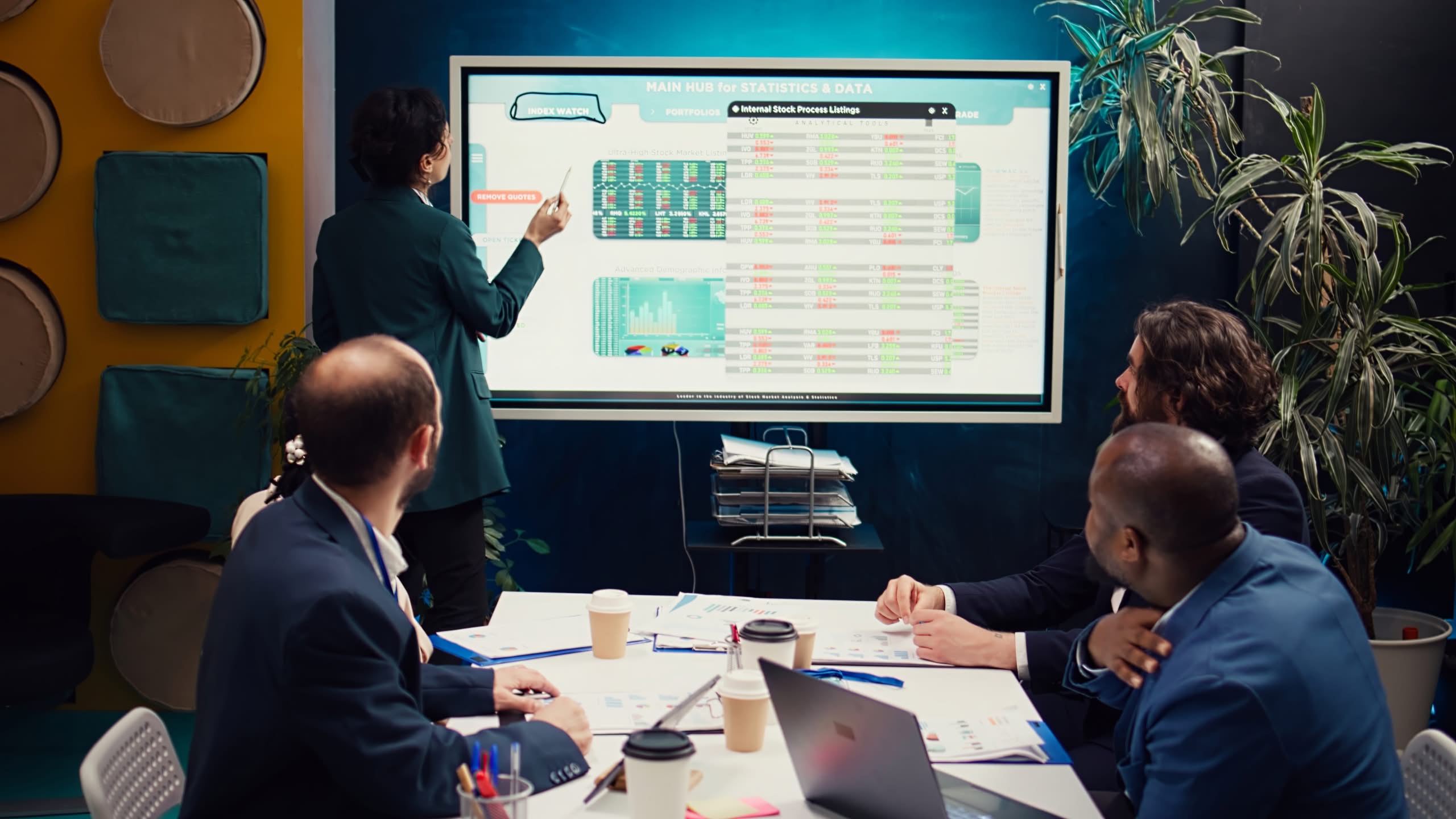
Touch a screen, and it responds instantly, whether you’re writing, sharing a file, or jumping into a video call. That’s the entire premise behind modern interactive panels, and it’s exactly why they’ve replaced the old whiteboard-and-projector combination in classrooms, boardrooms, and training rooms across Perth. This really comes down to one idea: a single screen doing the job that used to take three separate pieces of equipment.
Interactive panels have become one of the most practical upgrades a school or business can make, but most buyers still aren’t entirely sure what’s happening behind the screen, or what actually separates a good panel from an expensive disappointment. This guide breaks down how the technology works, the types available, and what genuinely matters before choosing one.
What Is an Interactive Panel?
An interactive panel, also called an interactive flat panel display, is a large touch-enabled screen that combines a high-definition display with built-in computing, software, and connectivity into a single wall-mounted unit. Rather than relying on a separate projector, laptop, and whiteboard, everything happens on one screen.
A typical panel brings together several core elements working as one system: a touch layer that detects input, embedded computing that runs apps and whiteboard software without a separate computer, connectivity ports for laptops and other devices, and an integrated audio system supporting video conferencing and voice capture. Together, these elements turn the panel into a responsive digital workspace rather than just a bigger screen.
How Do Interactive Panels Work?
The touch technology itself is where most of the engineering happens. Most commercial interactive panels use one of two main methods.
Infrared touch is the most common approach in large-format panels. It works by using a grid of infrared LEDs and photodetectors around the edges of the screen, where touching the screen interrupts the light beams, and the system calculates the touch point from which the beams are broken. Capacitive touch, the same technology used in smartphones, works differently, detecting touch by sensing the electrical charge created when a finger touches the screen.
| Feature | Infrared (IR) Touch | Capacitive (PCAP) Touch |
|---|---|---|
| Cost at large sizes | More affordable | More expensive to scale |
| Touch input | Works with finger, stylus, or any solid object | Typically bare finger or active stylus only |
| Accuracy | Accurate, slight gap possible when writing | Highly accurate, no writing gap |
| Multi-touch support | Up to 40-point input on most panels | Strong multi-touch, often 100-point |
| Best suited for | Large classrooms, boardrooms, budget-conscious setups | High-end offices, exhibition spaces, premium displays |
Both technologies achieve the same outcome: turning a touch or gesture into a digital action on screen, instantly and without a stylus tethered to the wall.
What are the Types of Commercial Interactive Panels?
Not every interactive panel is built the same way, so choosing the right solution depends on your space, workflow, and collaboration requirements. An experienced audio visual Perth provider can help you select the most suitable option for your business.
- Built-in OS panels: run independently without a connected computer, suited to spaces needing a dedicated, always-ready setup.
- Non-OS panels: rely on a connected laptop or device to power the display, suited to businesses that prefer using their own existing devices and software, usually at a lower upfront cost.
- Panel size: typically ranges from 55-inch displays for smaller huddle rooms up to 86-inch and larger panels for big classrooms, lecture halls, or boardrooms where every seat needs a clear view.
What are the Key Features of Modern Interactive Panels?
Beyond touch and screen size, a handful of features define what makes a genuinely useful interactive panel:
- High-resolution display, often 4K, ensuring text, images, and video stay crisp even from the back of a large room.
- Built-in connectivity, including HDMI, USB, and wireless screen sharing, so laptops, tablets, and phones connect without extra hardware.
- Integrated audio systems with microphone arrays, supporting video conferencing directly through the panel and removing the need for separate equipment in many rooms.
- Embedded software and app support, meaning whiteboarding, annotation, and presentation tools are ready to use straight out of the box.
Interactive Panels vs Traditional Whiteboards
The difference becomes clear once you compare what each option can actually do.
| Capability | Traditional Whiteboard | Interactive Panel |
|---|---|---|
| Writing and annotation | Markers only, easily erased | Digital annotation, saved and reusable |
| Sharing content | Photograph the board or rewrite manually | Instant digital sharing and export |
| Video and multimedia | Needs a separate screen or projector | Built directly into the panel |
| Video conferencing | Not possible without extra equipment | Often built in or easily integrated |
| Reusability | Content lost once erased | Sessions saved, reused, and updated |
For any space relying on collaboration, presentations, or hybrid meetings, this gap in capability is usually what tips the decision toward upgrading.
Where Interactive Panels Are Commonly Used?
Interactive panels have moved well beyond classrooms.
– Schools use them daily for lessons, annotation, and hybrid learning, often as part of a broader Schools and Education technology setup.
– Corporate boardrooms rely on them for presentations and video conferencing without separate AV equipment cluttering the room.
– Training rooms use panels to run interactive sessions across multiple devices and presenters, and council chambers and public sector meeting spaces increasingly use them to support clearer presentations and recorded proceedings.
What are the Important Factors to Consider Before Choosing Interactive Panels?
A few things genuinely determine whether a panel performs well in your space, rather than just looking good in a showroom:
- Touch technology: infrared suits large rooms and budget-conscious setups, while capacitive offers sharper accuracy for premium or smaller installations.
- Panel size: should match the room’s viewing distance, not just the wall space available; an undersized panel in a large room defeats the purpose.
- Software ecosystem: needs to fit what your school or business already uses, whether that’s Google Workspace, Microsoft 365, or a specific teaching or conferencing platform.
- Sunlight exposure: matters more than most buyers expect, since infrared touch technology can be affected by direct sunlight, interfering with the light beams used to detect touch, making placement away from large windows worth planning for upfront.
- Connectivity needs: check the panel supports the devices your staff or students actually use day to day, not just the demo unit’s specs.
This is also where it pays to get the room properly assessed before choosing a panel, rather than guessing at size and specification based on price alone.
Bottom Line
Interactive panels have replaced the projector-and-whiteboard combination for good reason. They combine display, touch, computing, and conferencing into one reliable system, removing the clutter and guesswork that used to come with every presentation or meeting. Understanding how the touch technology actually works, and matching the right panel type to your specific room, is what separates a panel that gets used daily from one that quietly becomes an expensive, underused screen.
If you’re weighing up commercial interactive panels for a classroom, boardroom, or training space, getting the specification right matters more than the brand on the box.
At 3 Monkeys AV, our team carries out a free site assessment for every Perth business and school, matching the right panel, touch technology, and size to your actual room before a dollar is spent. We’re WA’s only authorised EduTouch supplier, and every job runs through us directly, from supply and installation to staff training, with clear, itemised pricing and no subcontractors involved. Get in touch with 3 Monkeys AV to find the right interactive panel for your space.