


If an AV system is failing, it will show signs like intermittent signal drops and distorted or crackling sound. You will experience frequent display synchronisation issues. You must catch these signs early before the system fully breaks down.
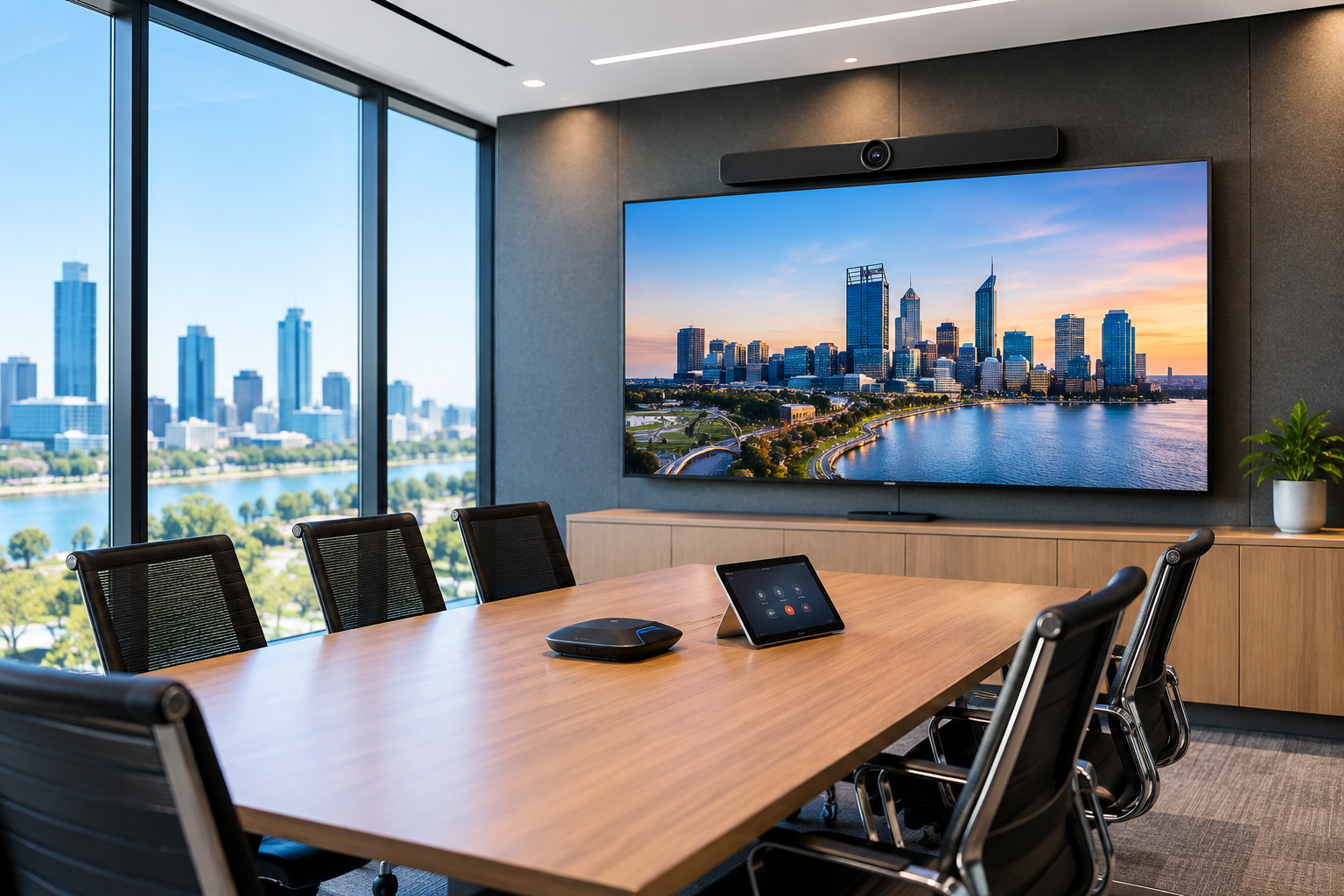
Several of the most common AV problems businesses experience can include; poor sound quality, unreliable video, connection failures, and incompatible devices. Often controls can be confusing, and video conferencing can become faulty when a meeting starts. These problems can be reduced through proper AV system designs. Systems installed by professional AV specialists and regular maintenance both contribute to a seamless experience with reduced problems. Additionally, if an issue should arise, there is professional support available.
Reliable audiovisual technology has become particularly important with face-to-face and remote collaboration in workplaces. Recent Transport WA research found that 44% of employed survey respondents in Perth worked from home at least once a week. This type of flexible working environment makes it significant for meeting rooms to provide consistent audio, video and conferencing experiences for everyone.
What Are the Most Common AV Problems Businesses Face?
Typical AV problems businesses face involve audio quality, displays, connectivity, video conferencing, system control, and compatibility between devices. A small fault can quickly derail meetings and communication with clients or remote employees.
- Poor or inconsistent audio: Most audio complaints come from microphones that don’t suit the room, or a system with no acoustic echo cancellation, so remote callers hear themselves back. A properly tuned DSP with ceiling or table mics placed for the seating plan gives everyone the same clear pickup, whether they’re at the head of the table or the far end.
- Displays that will not connect: A laptop may fail to appear on a meeting-room screen because of faulty cables, incorrect inputs, adapters, software settings or incompatible connections.
- Video conferencing failures: Rooms built from consumer webcams and USB speakers often drop out, or connect to Teams on one laptop and fail on the next. Certified Microsoft Teams Rooms or Zoom Rooms hardware joins the meeting with one tap and is managed and updated centrally, so it works the same way every time.
- Poor camera positioning or image quality: A camera mounted too high or off-centre leaves remote participants looking at the tops of heads or half the table. Correctly positioned cameras utilise auto-framing or speaker tracking, so whoever is talking is clearly in view.
- Wireless presentation problems: Wireless sharing tends to fail on busy corporate networks, guest Wi-Fi restrictions, or when Mac and Windows users each need a different app. A dedicated wireless presentation system configured with your IT team works the same for every device, without installing software.
- Complicated control systems: A stack of remotes for the screen, camera and audio is the quickest way to make staff avoid a room. One touch panel that turns everything on, selects the source and joins the call puts the whole room behind a single button.
- Equipment compatibility issues: Mixing brands and generations of equipment leads to firmware conflicts, audio drift and features that only half work. An experienced AV integrator designs the room as one system, choosing components that are tested together before anything goes on the wall.
Specialists in audio visual solutions in Perth use top AV brands that they have tested personally to minimise audio-visual issues. Businesses can seek expert advice to prevent problems that consistently cause issues in their AV infrastructure.
What Causes Audio Visual System Problems?
Most audio-visual system problems are caused by poor system design and incorrect installation. Incompatible technology and infrastructure that isn’t properly maintained cause recurring AV issues. Common underlying causes include the following:
- Equipment is unsuitable for the size or purpose of the room.
- Microphones or speakers are positioned incorrectly.
- Insufficient network bandwidth for video conferencing
- Outdated firmware and conferencing software
- Damaged HDMI, USB or network connections
- Incompatible equipment from different manufacturers
- Changes to the room that don’t match the changes to its AV setup.
- AV equipment is at the end of its service life.
- Inadequate ventilation causing AV hardware to overheat.
- Ill-maintained systems
- AV systems that have not undergone testing.
A technically capable audio-visual system can be problematic if employees are not able to use it. In turn, it increases the burden on the IT staff. This is significant in Western Australia as businesses keep investing in digital capability. The WA Government’s 2024–25 Digital Transformation Round provided nearly $1.6 million in funds to 77 Western Australian businesses. Supported projects include software integration, hardware procurement, and automation.
How Can Businesses Prevent Common Audio Visual Issues?
Businesses can prevent most audiovisual system problems by having reliable systems installed. They should keep up with the changing AV technology and standardise the one they use in the meeting rooms. Preventative maintenance and making systems easier to run also impart a better user experience. The most effective preventative measures for AV challenges include:
Design the system around the room and its users
An AV specialist should assess how the space will be used before recommending equipment. Room dimensions, acoustics, lighting, seating layout, and conferencing requirements should influence the design.
Use compatible commercial-grade equipment
AV components should be selected to operate reliably together. Commercial equipment is generally better suited to frequent workplace use. It has greater options for integration and ongoing support.
Standardise meeting rooms where possible
Employees learn easily when similar conferencing technology is used in all rooms. Businesses benefit when employees can start meetings in multiple workspaces.
Test network performance
Modern conferencing and wireless presentation systems depend on business networks. It’s why specialists in video conferencing installation in Perth make adequate bandwidth and appropriate network configuration a part of AV planning.
Schedule preventative maintenance
Inspect and test AV systems before something fails. Servicing software routinely can identify damaged cables, firmware issues, deteriorating hardware and configuration problems before they disrupt an important meeting.
Keep software and firmware current
Conferencing platforms and connected AV hardware change regularly. Updates should be managed carefully to keep security and compatibility strong.
How Can Businesses Troubleshoot Common AV Problems?
Businesses can troubleshoot common AV problems by checking simple causes related to power, cables, input settings, network connections and device permissions. Should these measures fail, more complex hardware or configuration issues may be present, and this is when professional AV assistance is beneficial.
Confirm the equipment is powered and connected
Check all AV control and conferencing systems for power. There should be no loose power cables, disconnected HDMI leads, or damaged USB connections, as they result in serious faults.
Check the selected input and output
A blank screen or silent room is often a routing issue, not a fault. Confirm the touch panel or display is on the right input, then check the audio settings in Teams or Zoom. Laptops often switch to their built-in mic and speakers instead of the room system, especially after a dock or USB device has been reconnected.
Reconnect cables and adapters
Loose HDMI and USB-C connections cause many dropouts, especially on table boxes that get bumped every day. Reseat the cable at both ends, and if the image still flickers or won’t appear, swap in a known working cable. Cheap or unbranded USB-C adapters are a common culprit, because many don’t fully support the video output the display needs.
Check software permissions and device settings
Windows and macOS updates can quietly reset camera and microphone permissions, so Teams or Zoom suddenly can’t see the room’s devices. Check the privacy settings on the computer first, then confirm the correct camera and microphone are selected inside the meeting app.
Test the network connection
Frozen video and robotic audio usually point to network performance issues, not faulty AV gear. Check whether other users are affected at the same time. Meeting room systems perform best on a wired connection, ideally on a network your IT team has prioritised for voice and video traffic.
Restart the affected equipment
Often, a full power cycle clears most temporary software faults for AV components. Turning the system off from the touch panel or power sequencer when possible, wait 30 seconds, then power back up. If you’re restarting units by hand, turn amplifiers on last and off first to protect the speakers.
When Should a Business Upgrade Its AV System?
A business should upgrade its AV system when equipment no longer supports current software and creates frequent support requests. Business growth and change also demands a closer look at the current AV systems and technologies in place. Here are the signs that indicate your technology is not meeting the needs of the business:
- Frequent equipment failures.
- Poor audio or video quality compared with current workplace expectations.
- Displays that do not support modern connection standards.
- Input devices like cameras and microphones provide inadequate coverage.
- Difficulty in integrating video conferencing platforms with AV systems.
- Complex controls that staff struggle to use.
- No availability of replacement parts or manufacturer support.
- Growing maintenance costs.
- Meeting rooms that no longer suit the organisation’s hybrid working requirements.
In many cases, an upgrade does not mean replacing the entire audio-visual system. A professional AV assessment helps identify opportunities to retain suitable components while upgrading selected components.
Conclusion
Most AV failures trace back to two things: a room that was never designed as a complete system, or equipment that hasn’t been serviced or updated since installation. The good news is that many everyday issues with sound, displays and connections can be fixed quickly once you know where to look.
For long-term reliability, treat your meeting rooms and presentation spaces as business-critical infrastructure, not standalone gadgets. Matched, certified equipment, a tidy installation and regular preventative servicing will prevent most of the problems covered above.
3 Monkeys AV designs, installs, supports and upgrades commercial AV systems for businesses, schools and venues across WA. We’ve been a locally owned and operated Perth AV integrator since 2008, so when something goes wrong, our team is close by.